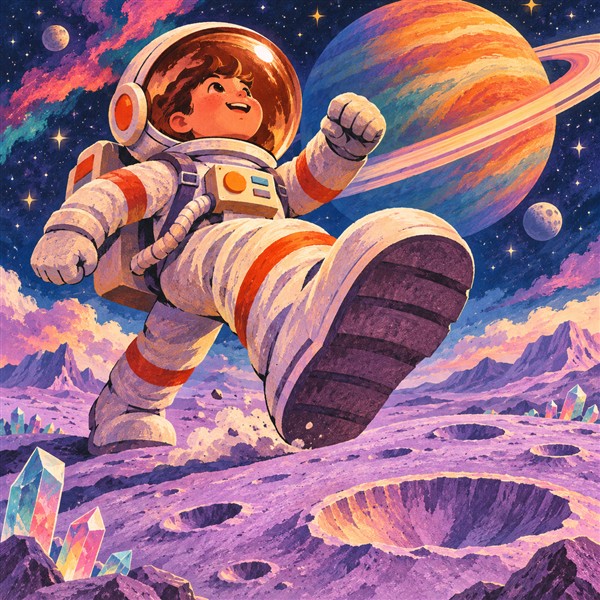
 Space Explorer Quiz
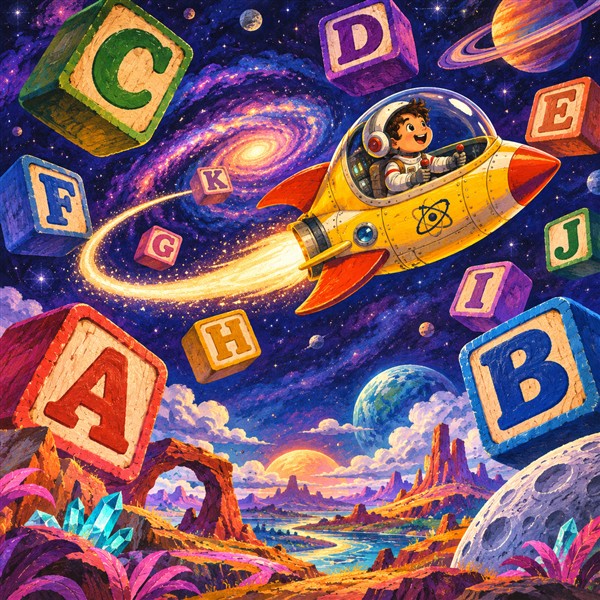 Space Word Search
Space Coloring guide
Light a scene from one star
Imagine sunlight reaching your capsule or satellite from the left. Try a warm color on the sunward side and a cooler color on a separate nearby region. On a crescent moon, leave the background dark enough to show off its curved edge. You decide where the light seems to come from.
Build a palette for this picture
Choose one strong color for the part you want people to notice first. Pick a quieter color for the space around it. Tap a swatch, then tap a closed region of the drawing. Regions can be painted again, so compare two colors on the same piece before making up your mind. Undo walks back your changes one at a time.
There is no score to finish. Print when the picture feels complete, or print the untouched outline for pencils and crayons. Paint another picture opens a different subject from the same theme. The deck draws the least recently shown pictures first, so playing again lets you explore the collection.
Three subjects for your sketchbook
Pick a miniature below and plan its colors before you see it on the big canvas. Start with the largest closed region. Decide whether one small detail should stand out, and choose the background last. Two players can make different plans for the same outline and explain which feature each wanted you to see first.
There are eight subjects in this game’s deck. The browser remembers which you have opened when local storage is available. Once you have seen them all, try a second tour with a different goal. Carry one accent color into each new picture and build a collection that looks like it belongs on the same wall.
Plan a mission around one question
Choose a question for your crew before opening a game. You could ask how objects move, what they are made of, or what tool you would send to explore them. A comet, a planet, and a rover are all space words, but only one is a vehicle. Sorting terms by their role helps a long list turn into a picture of a mission.
Try it together
Print your picture and add the distant light source by hand.
Stay with space in Space Explorer Quiz, or try the same activity in a new setting with Animal Coloring.
Trusted sources and further learning
Wonderplay uses age-appropriate summaries and checks topic facts against authoritative science, museum, and education resources.